You search for your own business on Google. A competitor you know sits above you on the map. They have fewer reviews, a simpler operation, and a website that looks like it was built in 2015. Yet there they are, in the top three, picking up enquiries that should be yours.
This is one of the most common frustrations for UK small business owners. The good news is that Google Maps rankings are more within your control than most people realise. This guide covers exactly how Google Maps SEO works, what the ranking factors are, and what to do right now to start moving up.
What Is Google Maps SEO?
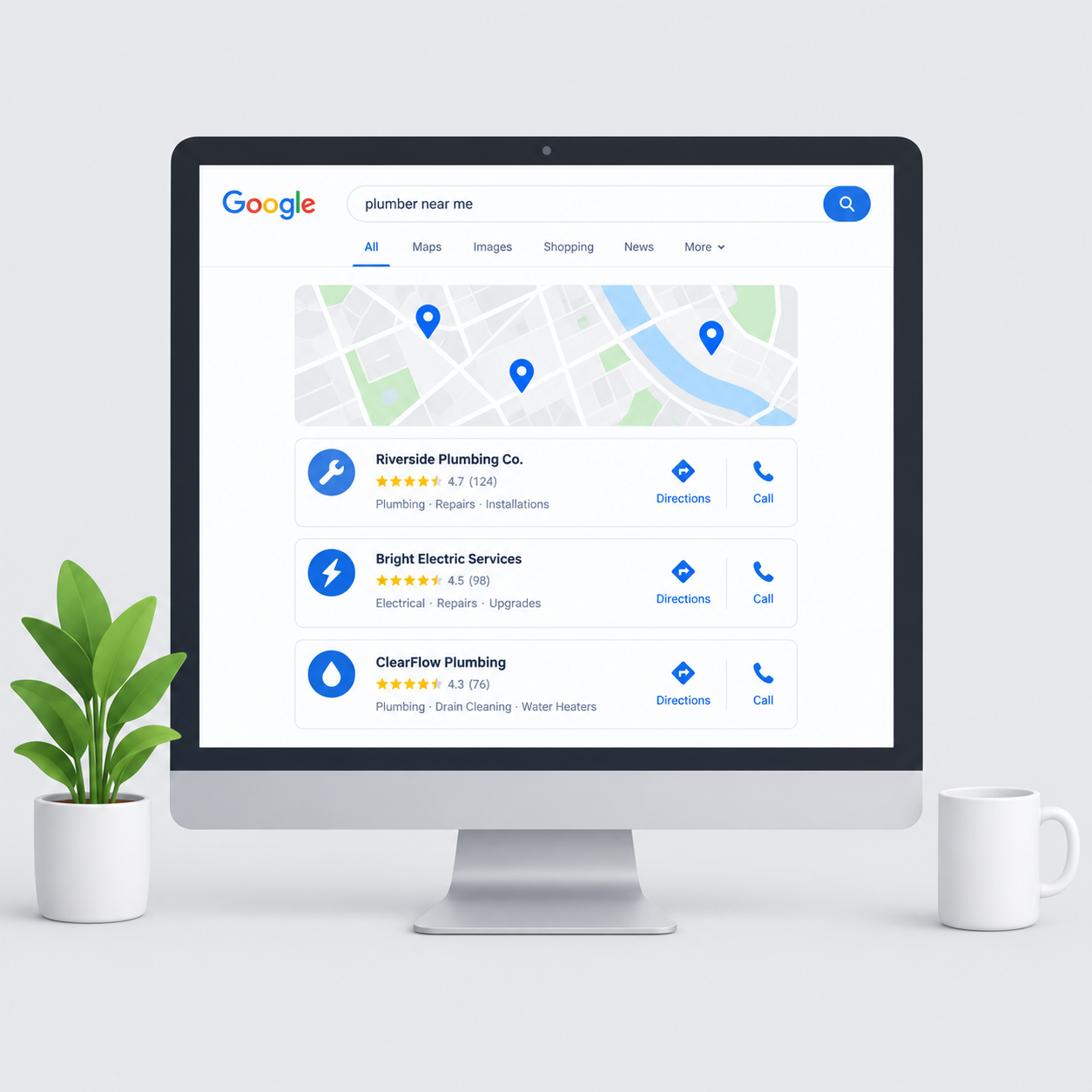
When someone searches for a local service on Google, "plumber in Bristol" or "accountant near me" for example, Google typically shows two sets of results. At the top is the map section, also called the local pack, showing three business listings with a map. Below that are the regular website results.
Getting into that top three map section is what Google Maps SEO is designed to achieve. It is separate from ranking your website in the regular results, although the two are connected. The map results are driven primarily by your Google Business Profile, not just your website.
For most local businesses, appearing in the top three on Google Maps is worth more than almost any other marketing activity. The people searching are nearby, they have clear intent, and they are making a decision quickly. A business that shows up in the map pack gets the call. A business that does not is invisible.
Google Business Profile: The Foundation
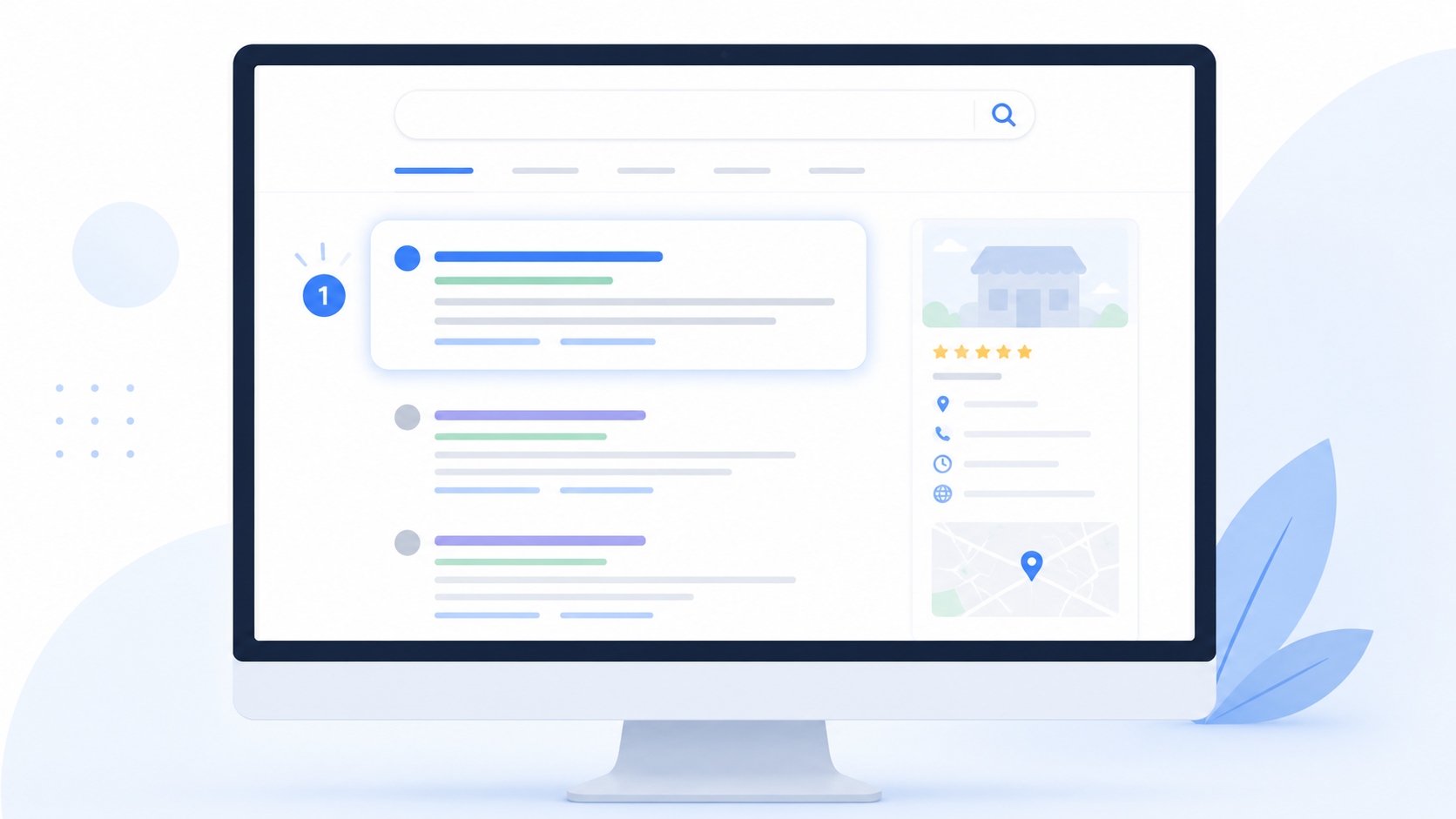
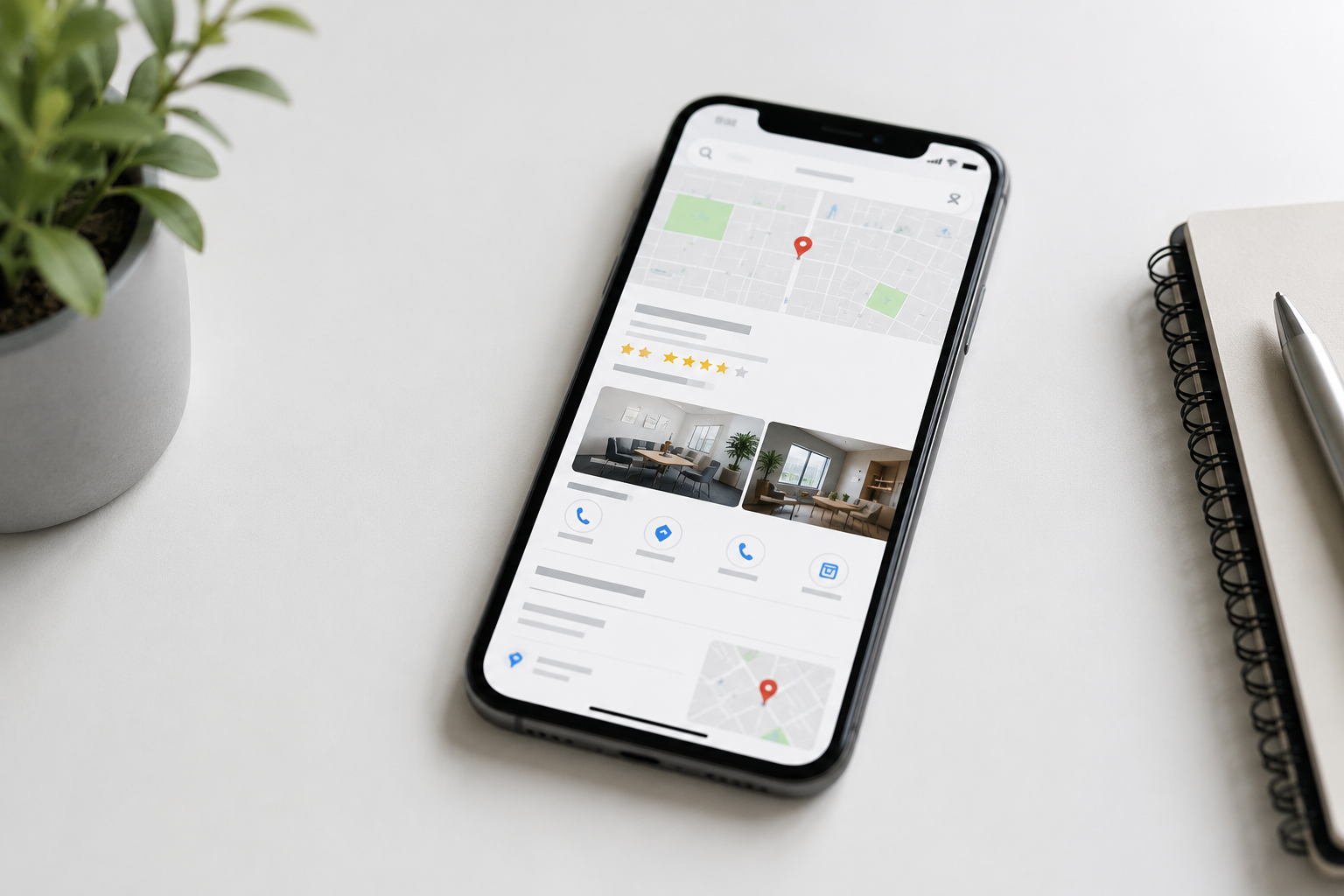
Your Google Business Profile is the free listing that appears when someone searches for your business or for services like yours in your area. It shows your business name, address, phone number, opening hours, photos, reviews, and a link to your website.
If you have not claimed and set up your Google Business Profile yet, that is the single most important thing you can do for local visibility right now. It is free, it takes less than an hour to complete properly, and the impact on your Google Maps ranking is immediate.
If you have a profile but it is only partially filled in, you are leaving rankings on the table. Google rewards profiles that are complete, accurate and regularly updated.
How Google Decides Who Ranks on Google Maps
Google uses three main factors to determine local map rankings.
Relevance. How well does your business match what the person searched for? This is determined by your business category, the services you list on your profile, and the keywords in your business description and website content. Choosing the right primary category is one of the most important decisions you make when setting up your profile.
Distance. How close is your business to the person searching, or to the location they specified? You cannot change where your business is located, but you can make sure your service area is set correctly and that your address details are accurate and consistent everywhere they appear online.
Prominence. How well known and trusted is your business? This is where reviews, backlinks, mentions on other websites, and the overall strength of your online presence come in. A business with 50 genuine reviews will almost always outrank a business with 5, all else being equal.
All three factors matter. The businesses sitting in the top three on Google Maps have usually done well across all of them.
What to Do Right Now: The Priority List
1. Claim and verify your Google Business Profile If you have not done this, go to business.google.com and claim your listing. Google will send a postcard to your business address with a verification code. This step is required before your profile can appear properly in map results.
2. Complete every section of your profile Most businesses fill in the basics and stop there. Go further. Add a thorough business description that includes your key services and location. List every service you offer. Upload a minimum of ten quality photos including the inside and outside of your premises, your team, and your work. Set your opening hours correctly, including special hours for bank holidays.
3. Choose your categories carefully Your primary category is the most important single field on your entire profile. It tells Google what type of business you are. Be specific. A solicitor should select "Law Firm" not just "Business." A plumber should select "Plumber" not "Contractor." You can add secondary categories to cover additional services.
4. Get more reviews, consistently Reviews are one of the strongest signals in Google Maps ranking. The businesses at the top of the map pack in competitive areas typically have significantly more reviews than those below them. The most effective way to get reviews is simply to ask. Send a direct link to your Google review page to every satisfied customer. Make it as easy as possible for them to leave one.
Responding to every review also matters. It shows Google that your profile is active and it builds trust with potential customers reading them.
5. Keep your NAP consistent NAP stands for Name, Address and Phone number. These details need to be identical everywhere they appear online. Your website, your Google Business Profile, any directory listings, your social media profiles. Even small differences like "Street" versus "St" can dilute your local authority. Check your listings on Yell, Thomson Local and any industry directories and make sure everything matches.
6. Add posts to your profile regularly Google Business Profile allows you to post updates, offers and news directly to your listing. Most businesses never use this feature. Posting even once or twice a month signals to Google that your profile is active, which has a small but positive effect on rankings.
7. Make sure your website mentions your location Your website and your Google Business Profile work together. A website that never mentions the city or region you operate in makes it harder for Google to confirm your local relevance. Your homepage, your about page and your contact page should all clearly state where you are based and where you serve.
Common Mistakes That Are Holding You Back
Using a keyword-stuffed business name. Some businesses try to add keywords into their business name on Google, listing themselves as "ABC Plumbing Best Plumber London" for example. Google's guidelines prohibit this and it can result in your listing being suspended. Use your actual trading name.
Ignoring negative reviews. A negative review that goes unanswered looks worse than the review itself. Respond calmly and professionally to every negative review. It shows potential customers that you take feedback seriously and it demonstrates to Google that your profile is actively managed.
Inconsistent opening hours. If your profile says you are open but a customer turns up and you are not, that is a poor experience that often leads to a negative review. Keep your hours accurate and update them for bank holidays and any changes to your schedule.
Not using the Q and A section. The questions and answers section on your profile is largely overlooked by business owners. Adding your own questions and answers covering common customer queries is a quick way to add relevant content to your profile.
How Long Does It Take to See Results?
For businesses that have never properly set up their Google Business Profile, meaningful improvements in map rankings can appear within four to eight weeks of completing the steps above. Getting reviews in consistently will compound this over time.
More competitive markets take longer. A solicitor in central London faces more established competition than a plumber in a market town. But the fundamentals are the same and the process works regardless of location or industry.
The Bottom Line
Google Maps is where local buying decisions get made. The businesses that show up in the top three are not necessarily the best in their area. They are the ones that have taken the time to set up and maintain their online presence correctly.
The steps above are not complicated. Most of them are free. The businesses that act on them consistently are the ones that end up at the top of the map and stay there.
Varentis helps UK small businesses rank higher on Google Maps and in local search. If you would like to know where your business currently stands and what it would take to reach the top three, get in touch for a free review.